
-22% 
HalloweenUse code HALLOWEEN5 for 5% off, valid until 31 October.
A good laser pointer lets you stay with your audience instead of walking to the screen. This guide helps you choose the right laser pen for presentations, lectures and lessons, and shows how to use it so people follow the dot, not the wobble.
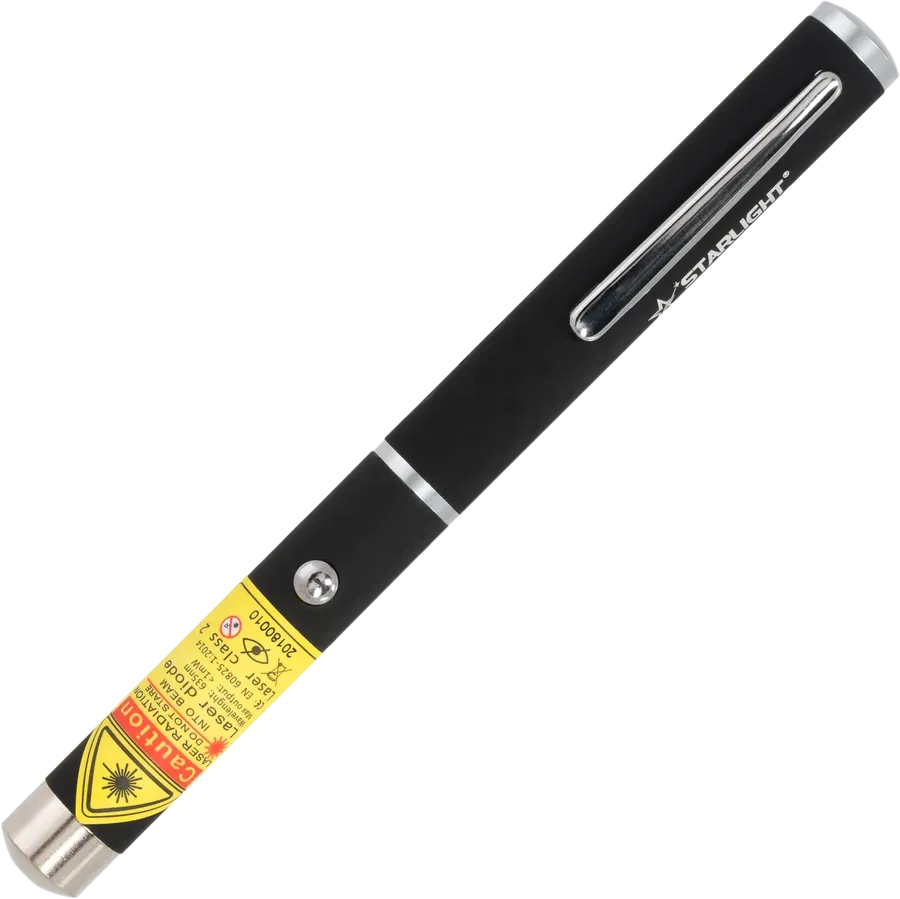
The classic red laser pen for presentations, 650 nm
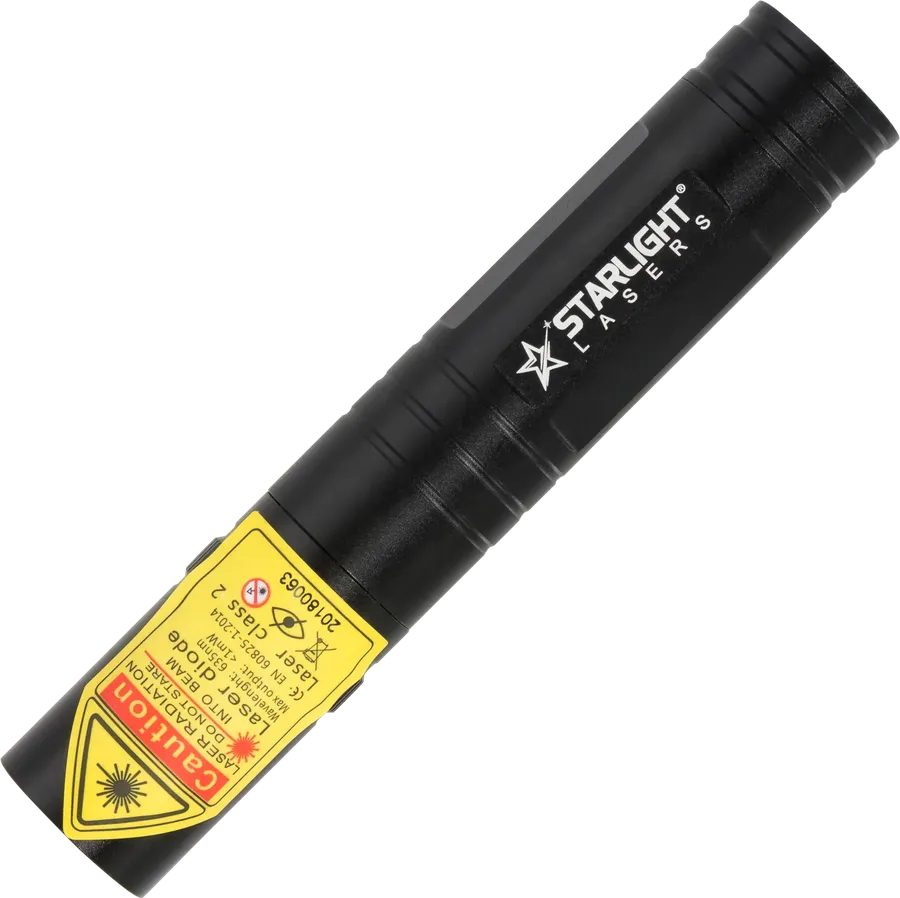
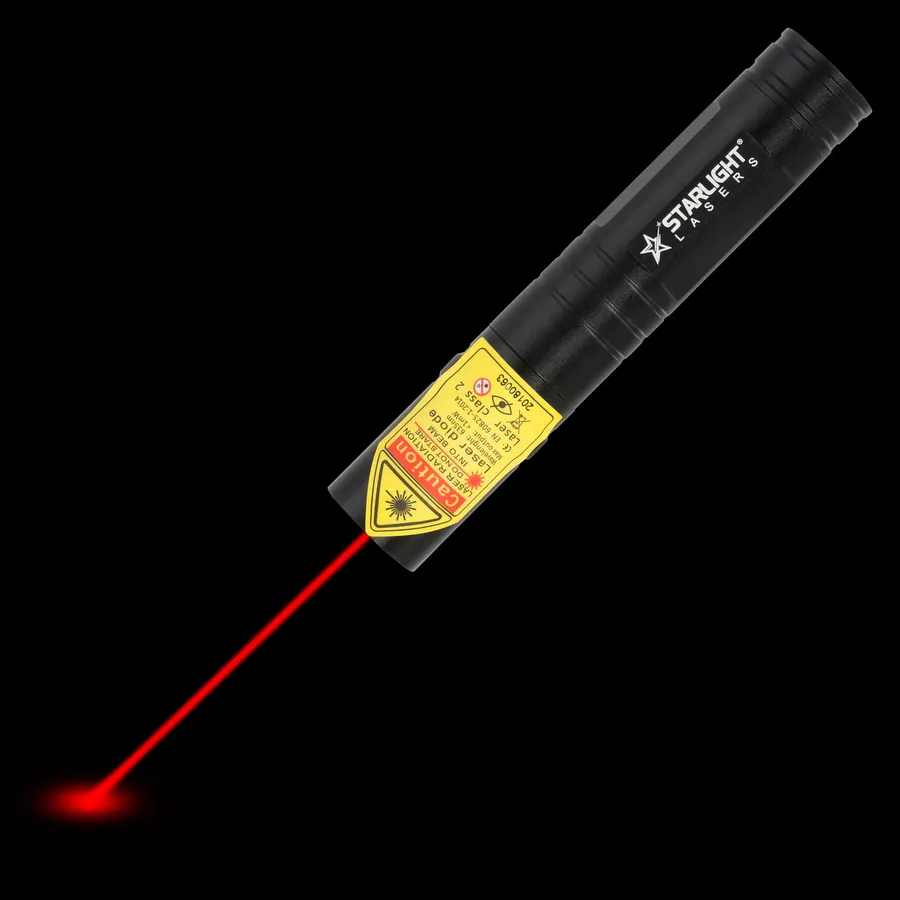
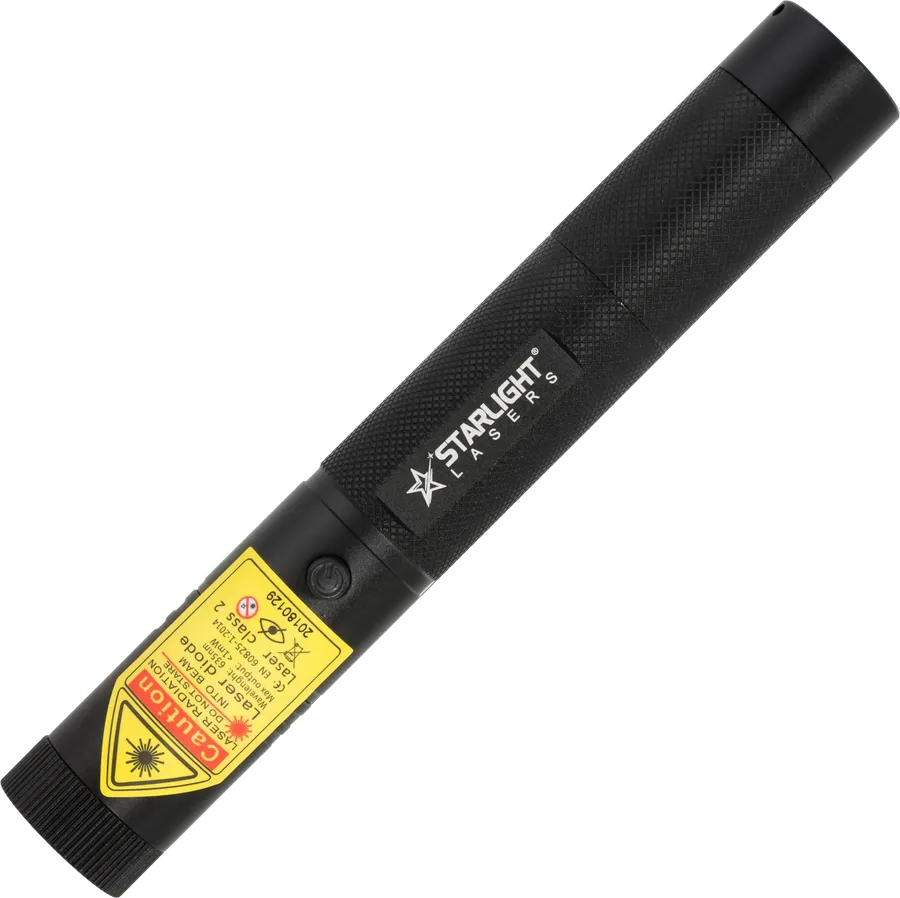
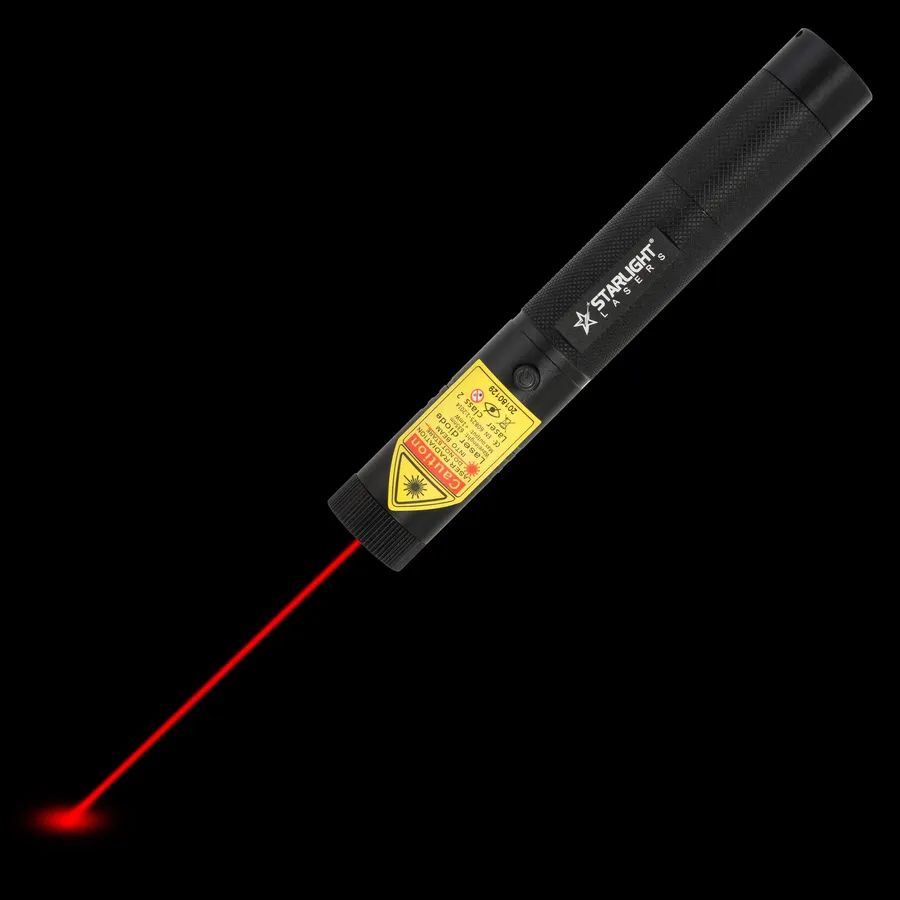
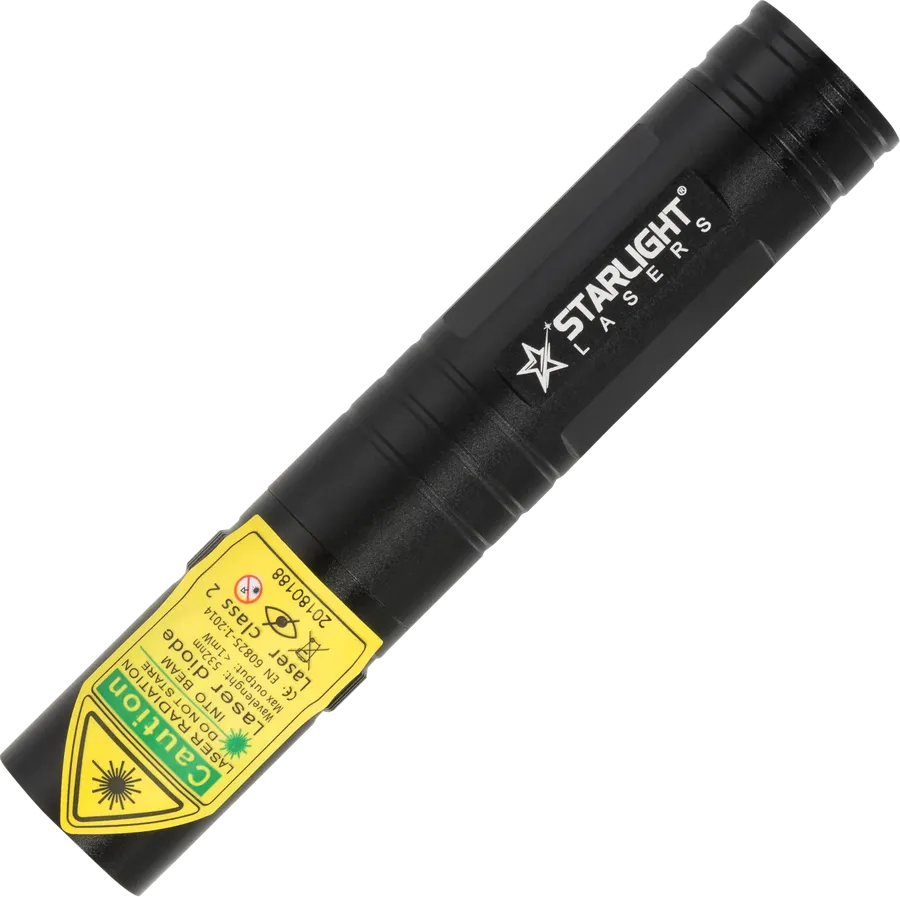
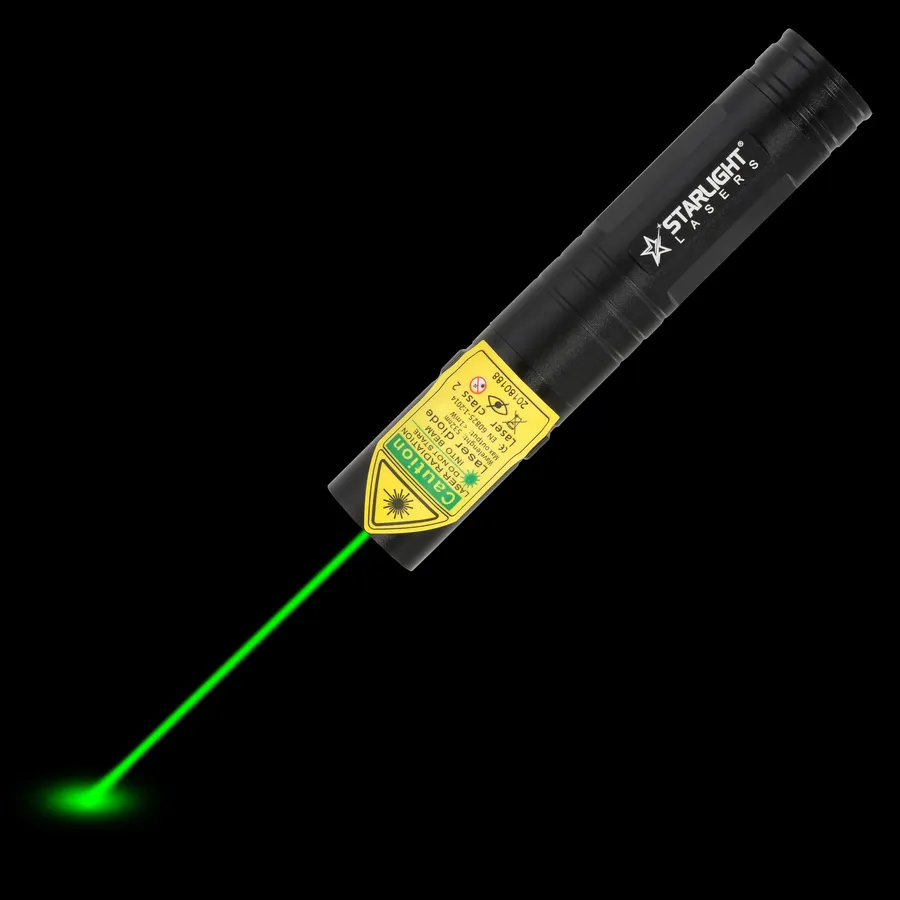
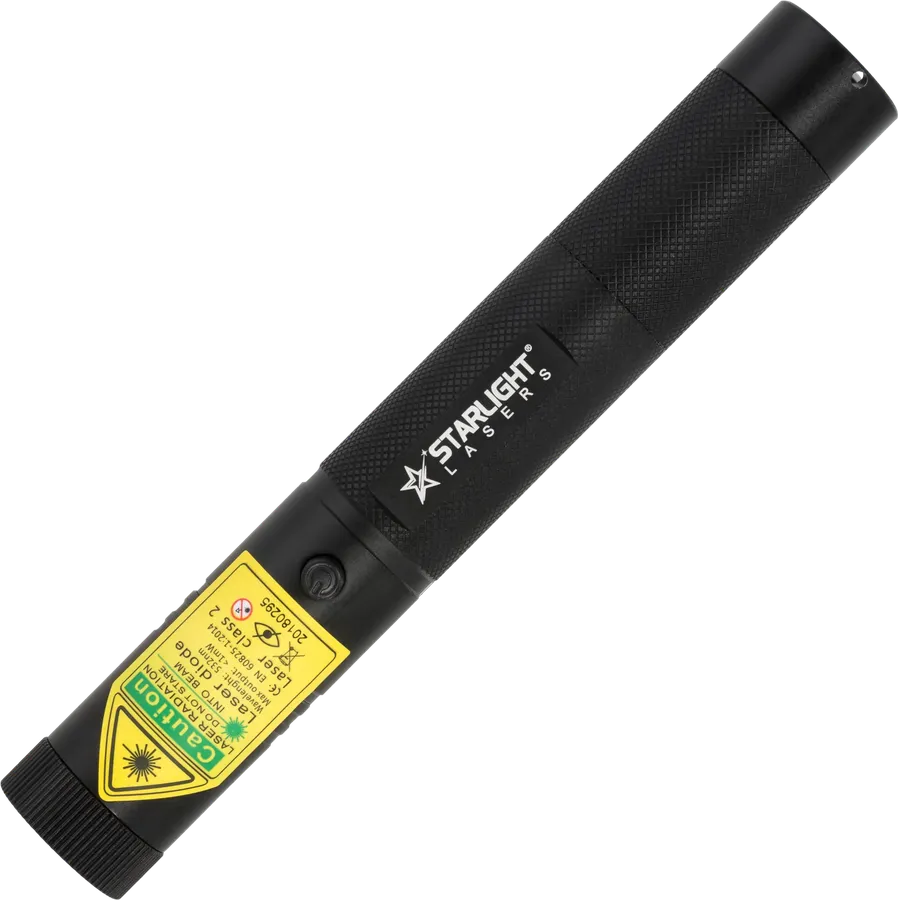
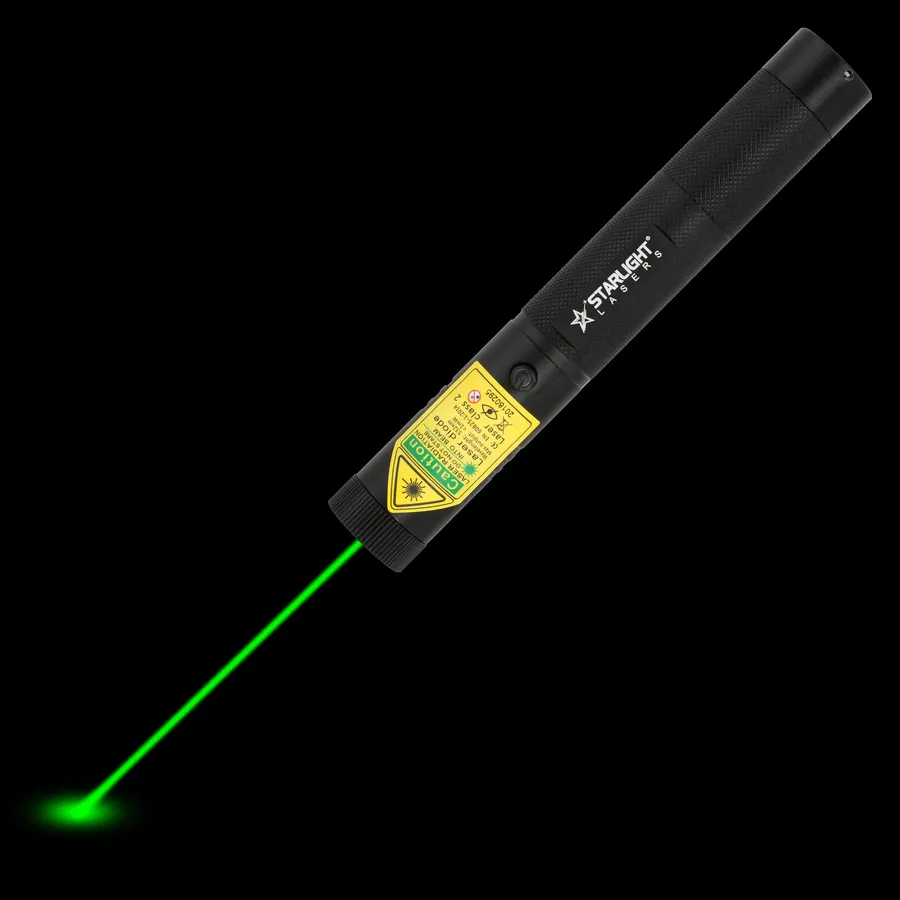
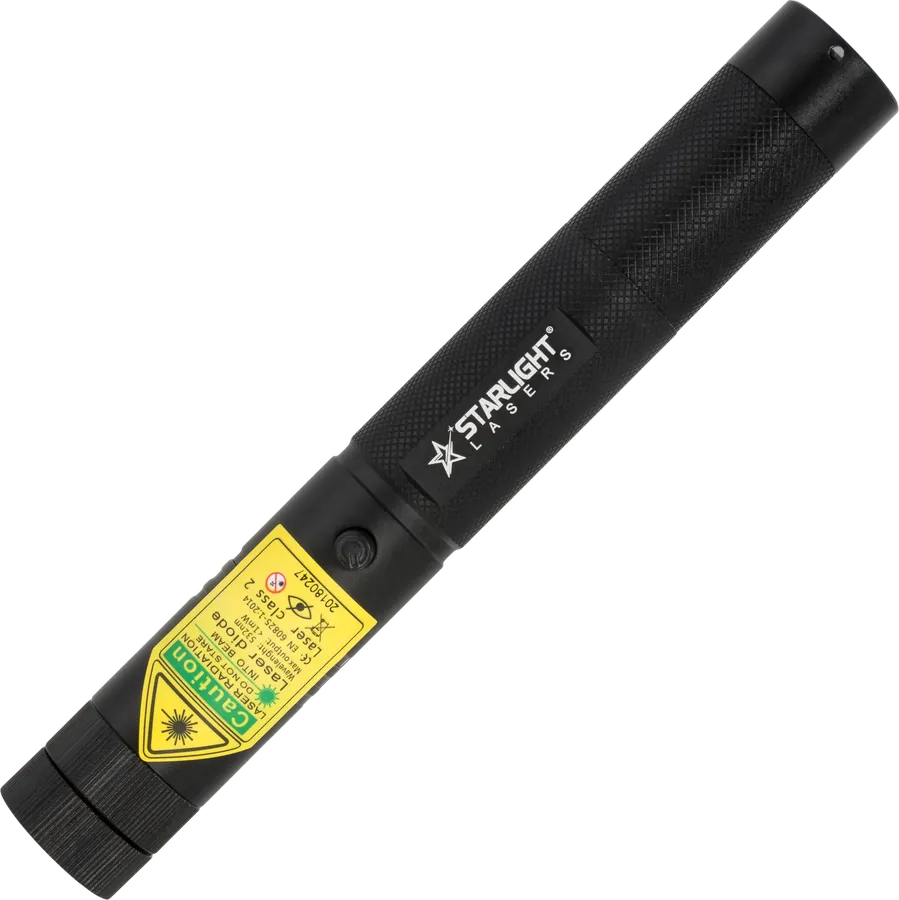
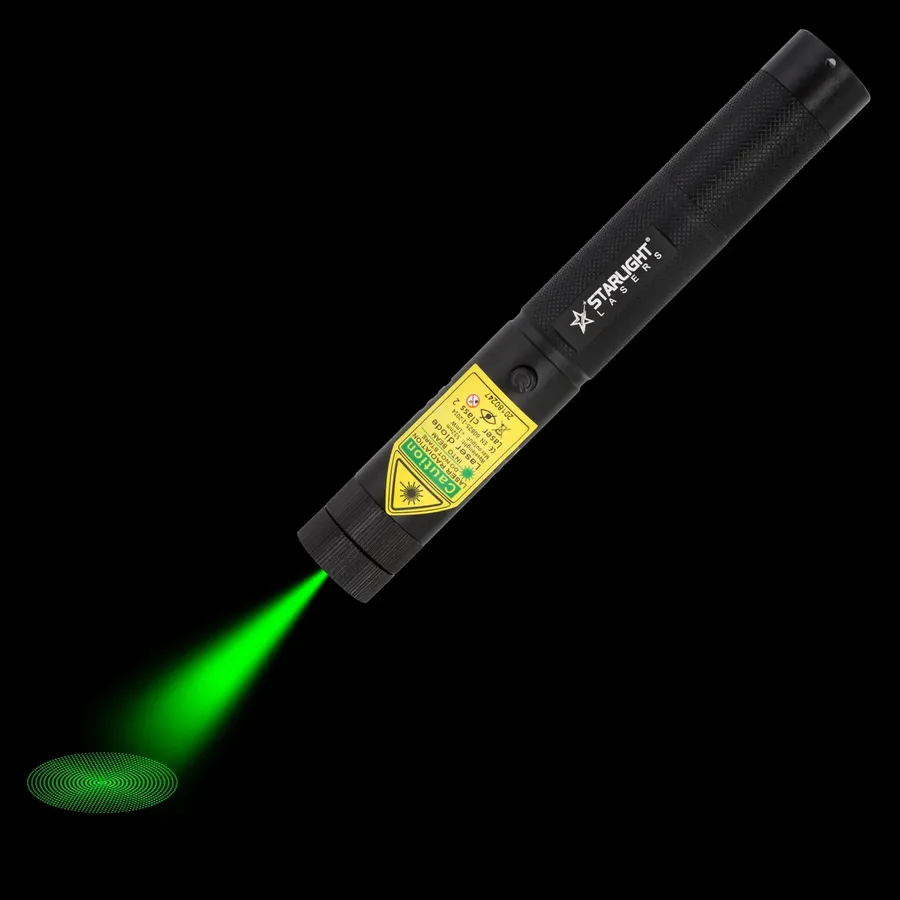
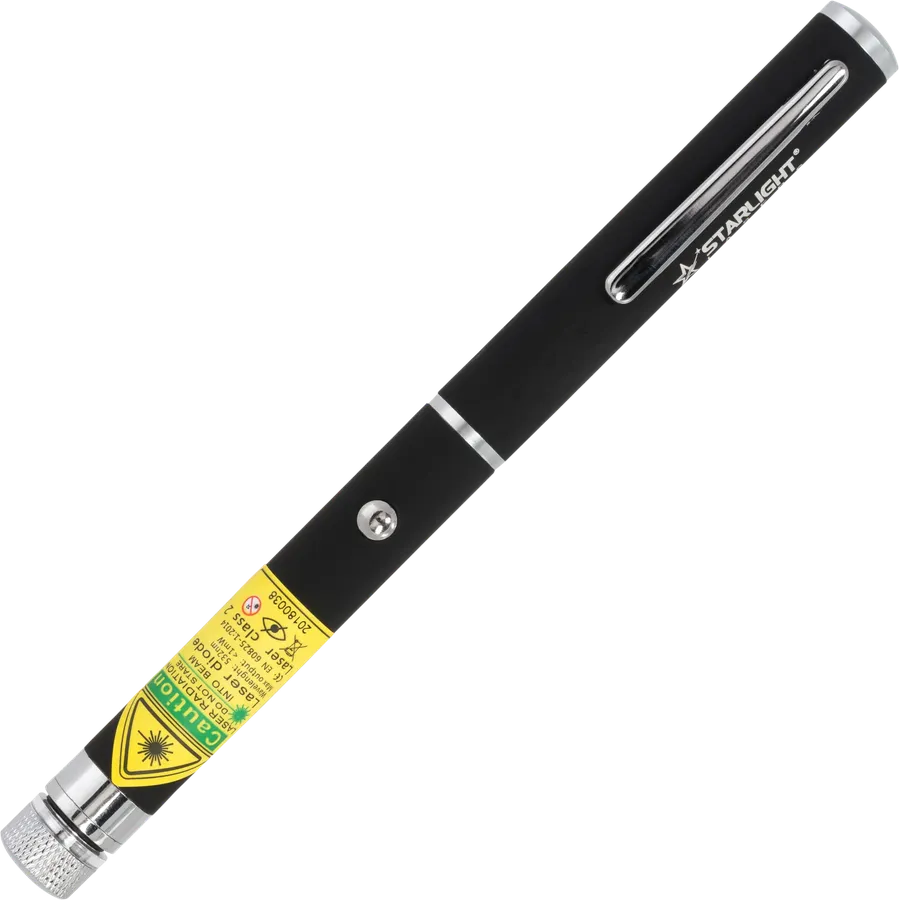
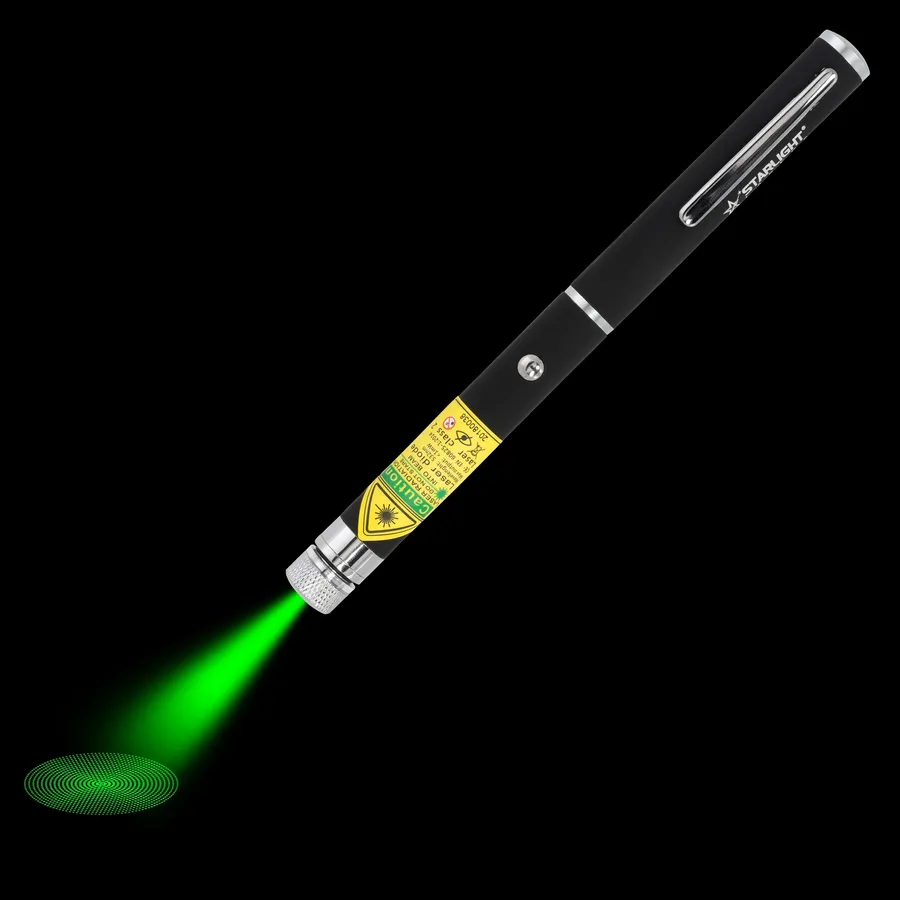
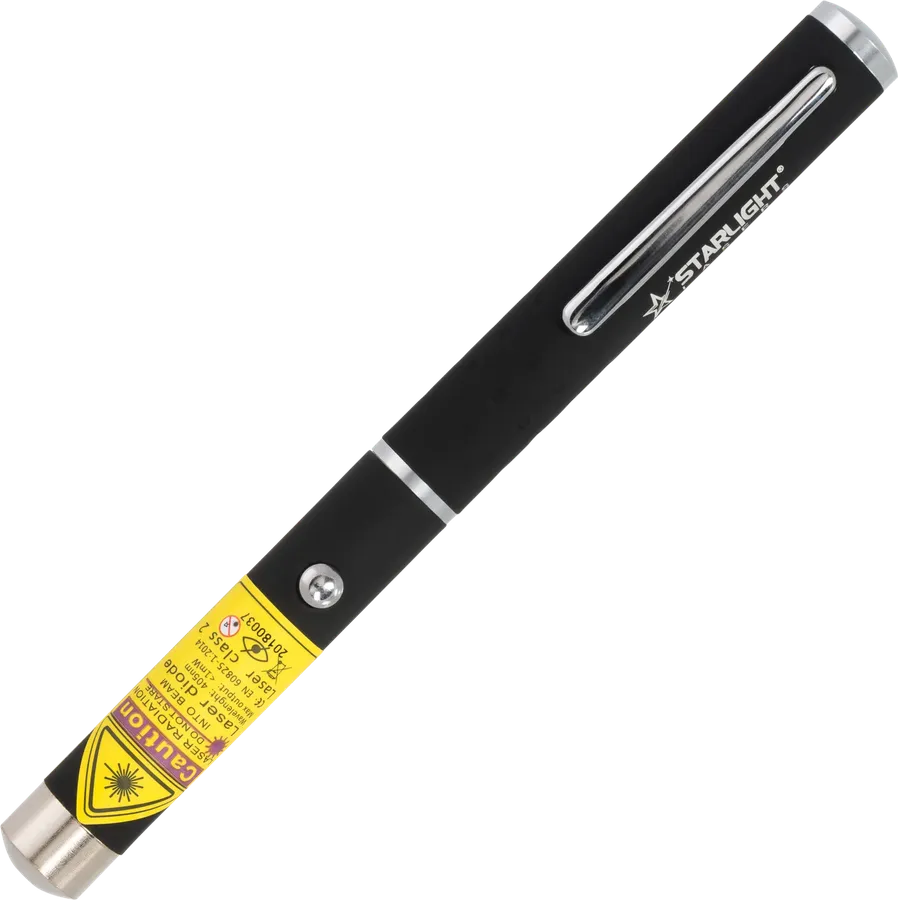
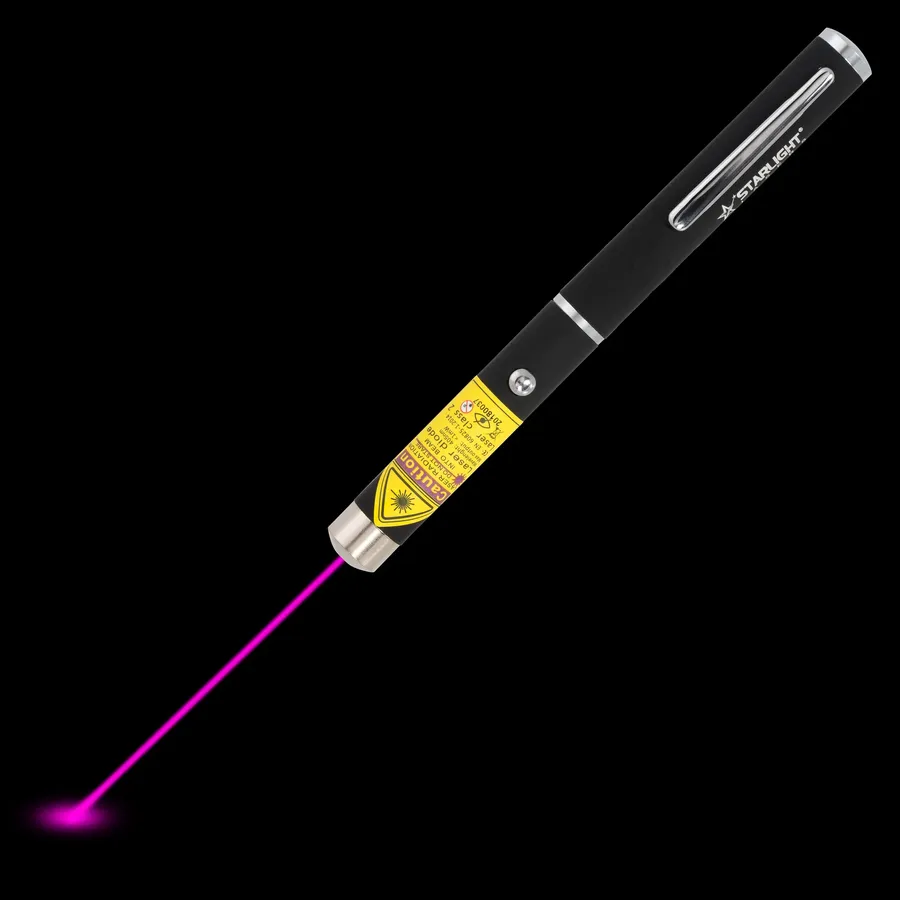
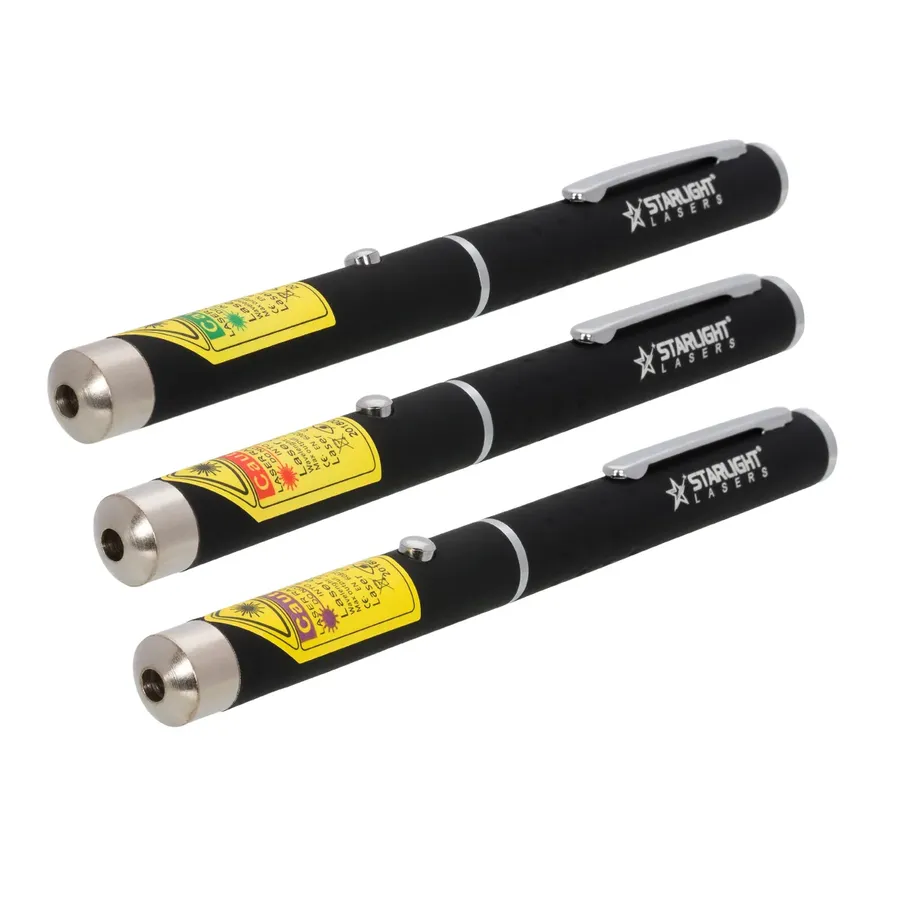
Three laser pens, three colours: green, red and violet
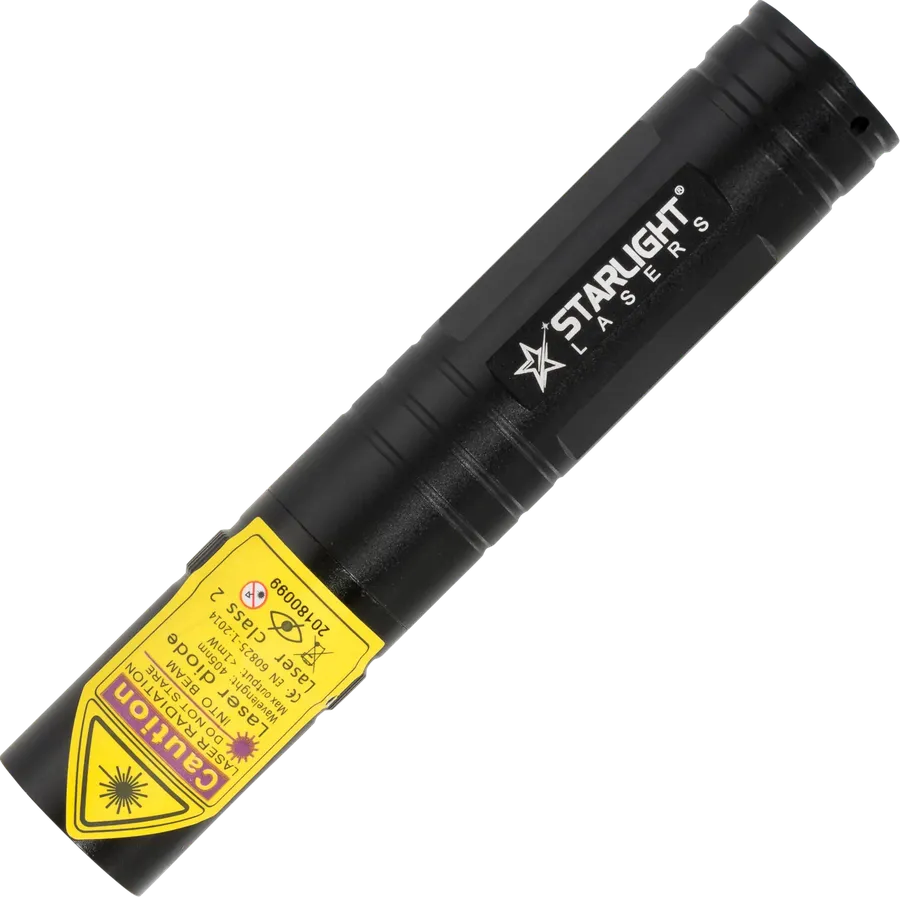
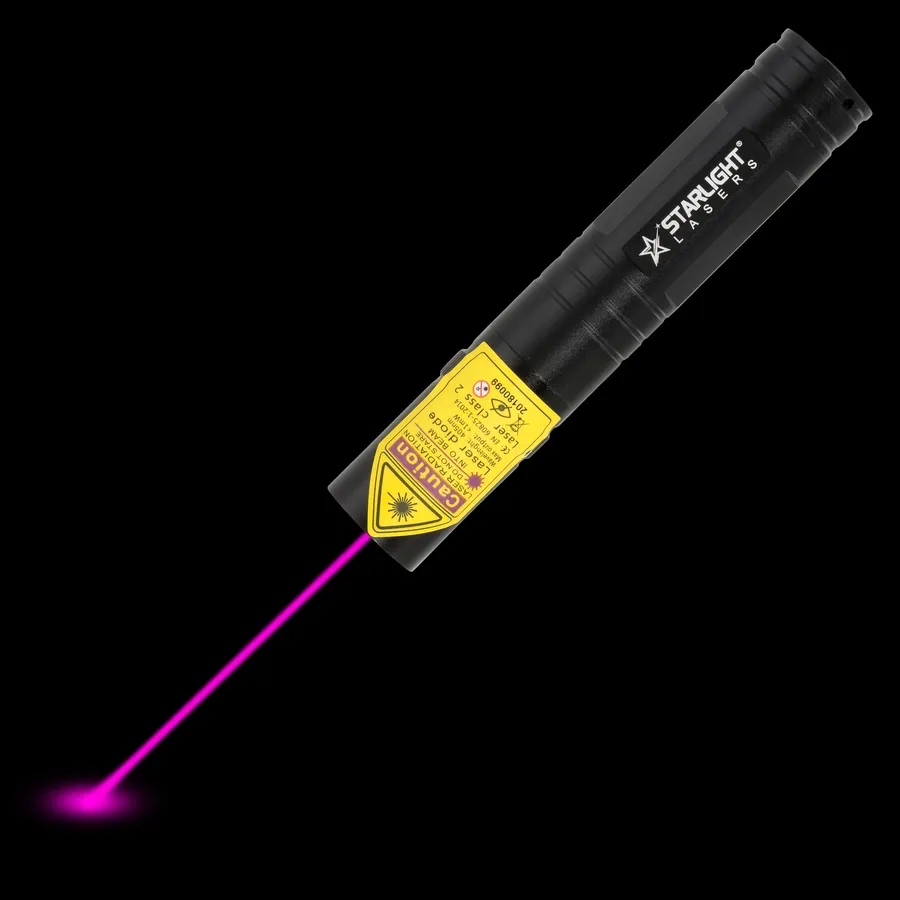
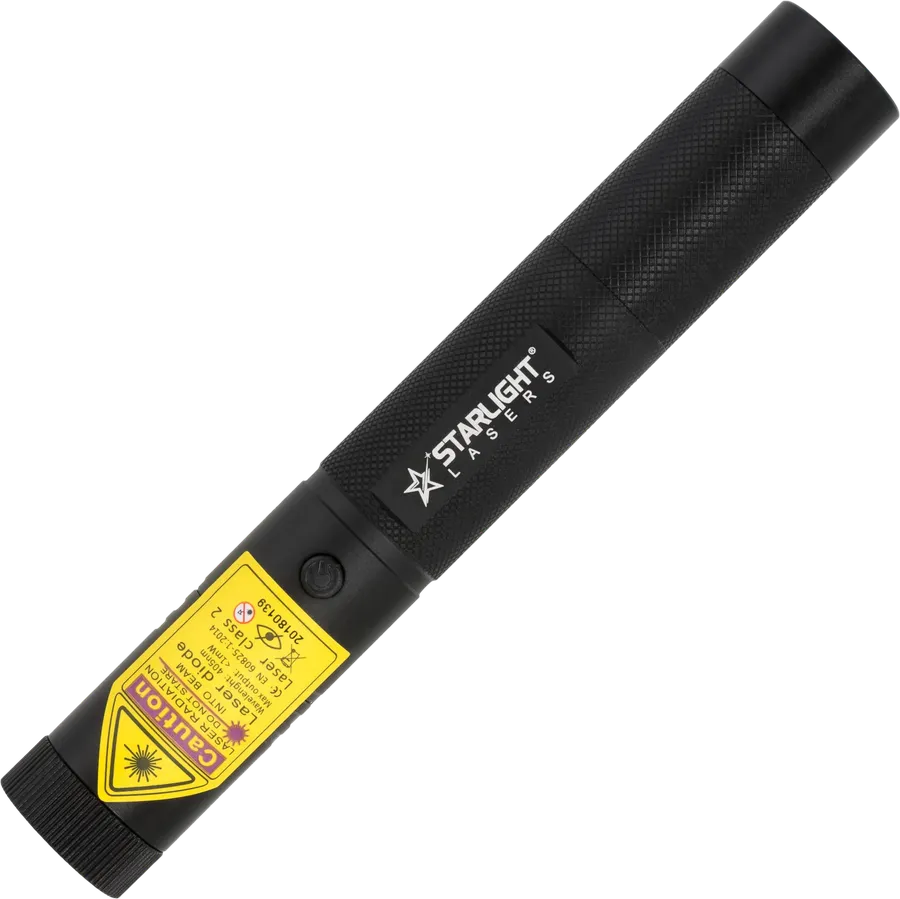
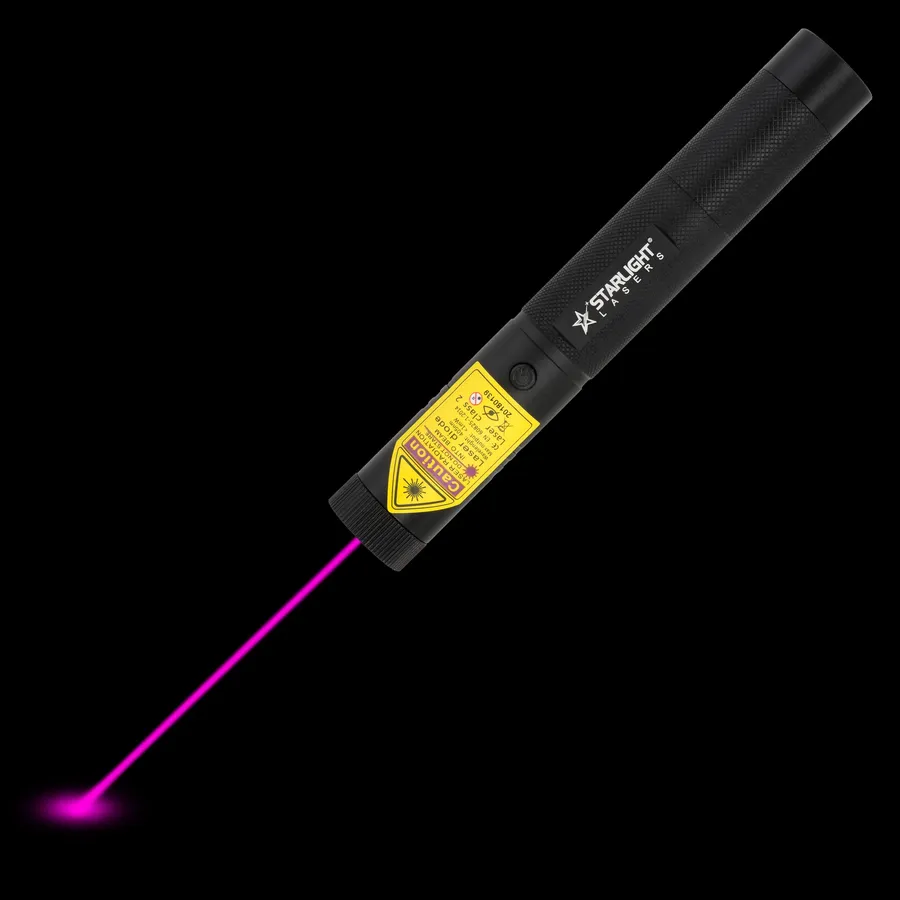
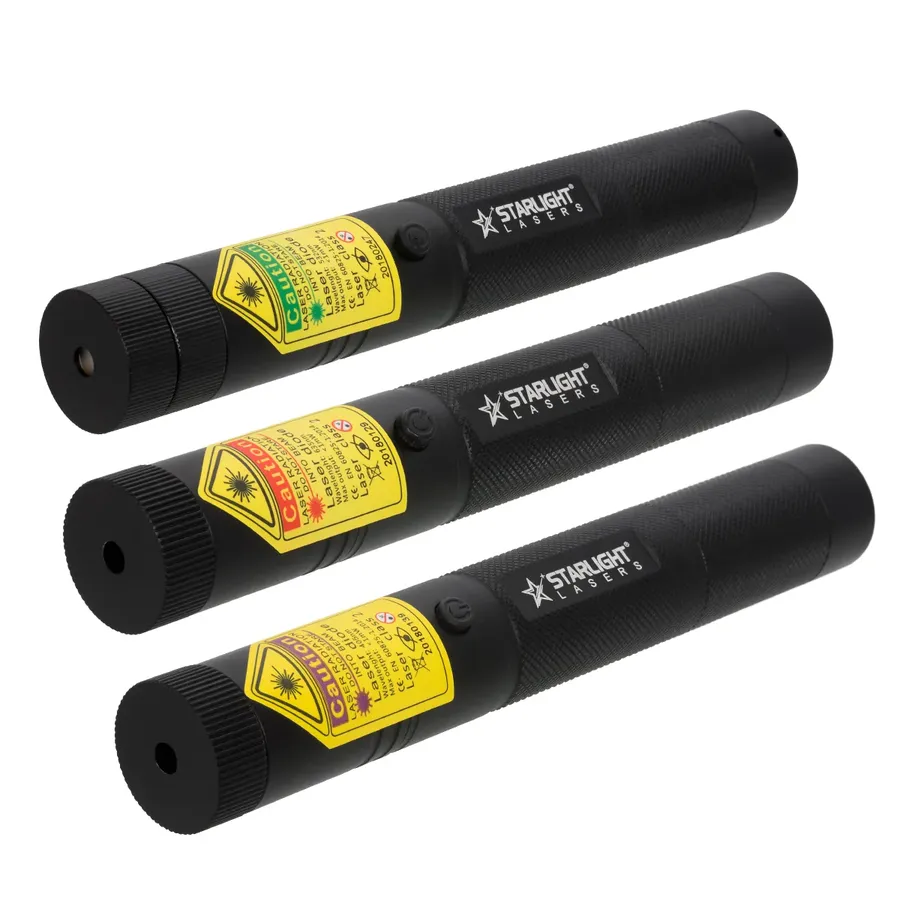
Three rechargeable Pro lasers in green, red and violet
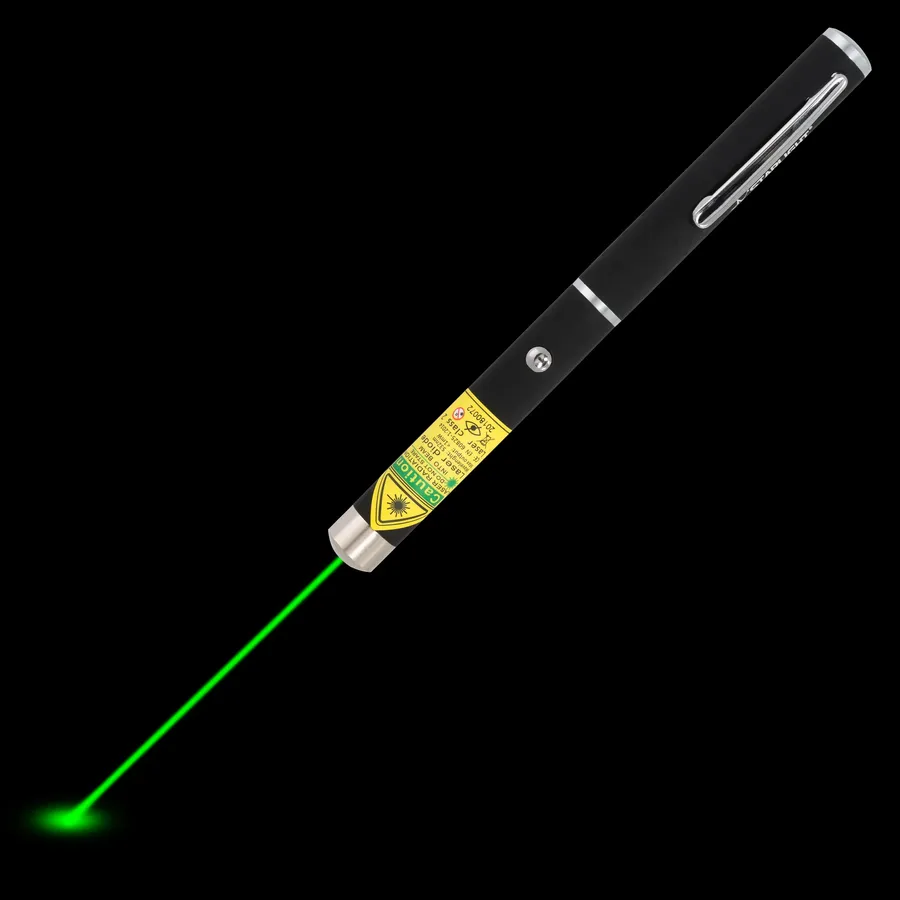
Red is the classic presentation colour. On a projector screen it is clear and calm, and it does not overpower your slide. In a meeting room or classroom it is usually the most comfortable choice. Green looks several times brighter to the eye at the same class 2 output. Choose green for a large lecture hall, a bright room, or a big screen where a red dot gets lost. Violet is less suited: it looks dim on most screens.
One thing to know: on LCD and LED screens and televisions any laser dot is harder to see than on a projector screen, because the screen surface reflects light differently. Stand at an angle to the screen and keep the dot slow and steady.
| Model | Colour | Battery | Best for |
|---|---|---|---|
| M1 laser pen | Red 650 nm | 2x AAA | Meetings, classrooms, occasional use |
| X1 laser pen | Green 532 nm | 2x AAA | Large rooms, lecture halls |
| R2 Pro | Red | 16340 rechargeable | Daily presenters who travel light |
| R1 Pro | Red | 18650 rechargeable, 2 safety keys | Teachers and shared classrooms |
| G2 Pro | Green 532 nm | 16340 rechargeable | Big halls, daily use |
Present a few times a month? A pen on AAA batteries such as the M1 is all you need, and you can pick up batteries anywhere. Present every day? A rechargeable model saves money and the embarrassment of a flat battery mid-sentence. The R1 Pro adds safety keys, which is useful when the laser stays in a school or shared office.
For conferences and big events, think about the size of the room as well as the screen. In a hall with a hundred seats or more, a green dot is noticeably easier to follow for the people at the back, and it stays visible when the stage lighting is up. In a boardroom or classroom, red keeps things relaxed.
Please note: our lasers are pointers only. They do not have buttons to change slides, so if you want a wireless presenter with slide controls, use it alongside your laser pen.
Class 2 lasers are low power, but they are not toys. Never aim at the audience or anyone's eyes, keep the laser away from children in a school setting, and switch it off when you put it down. For schools, a lockable model like the R1 Pro is a good habit. Full rules on laser pointer safety. Choosing between colours? Read red vs green laser pointer or browse red laser pens.
We use cookies to run the shop, measure how it is used and see which ads work. You choose what you allow. Privacy policy
AI assistant: can make mistakes. Prefer a person? Just ask.